Vivado Hardware Platform
Build a Zynq platform in IP Integrator, connect IP, assign addresses and export the hardware to Vitis.
The role of Vivado
The engineer uses Vivado to build the hardware part of a Zynq system. The project describes the device, Processing System, programmable logic, clocks, resets, addresses and board pins.
IP Integrator provides a graphical view called a Block Design. An IP is a reusable hardware block, such as a processor, GPIO controller or custom accelerator. In this view, the engineer adds blocks and connects their interfaces. The Block Design does not replace the VHDL or Verilog contained in custom blocks.
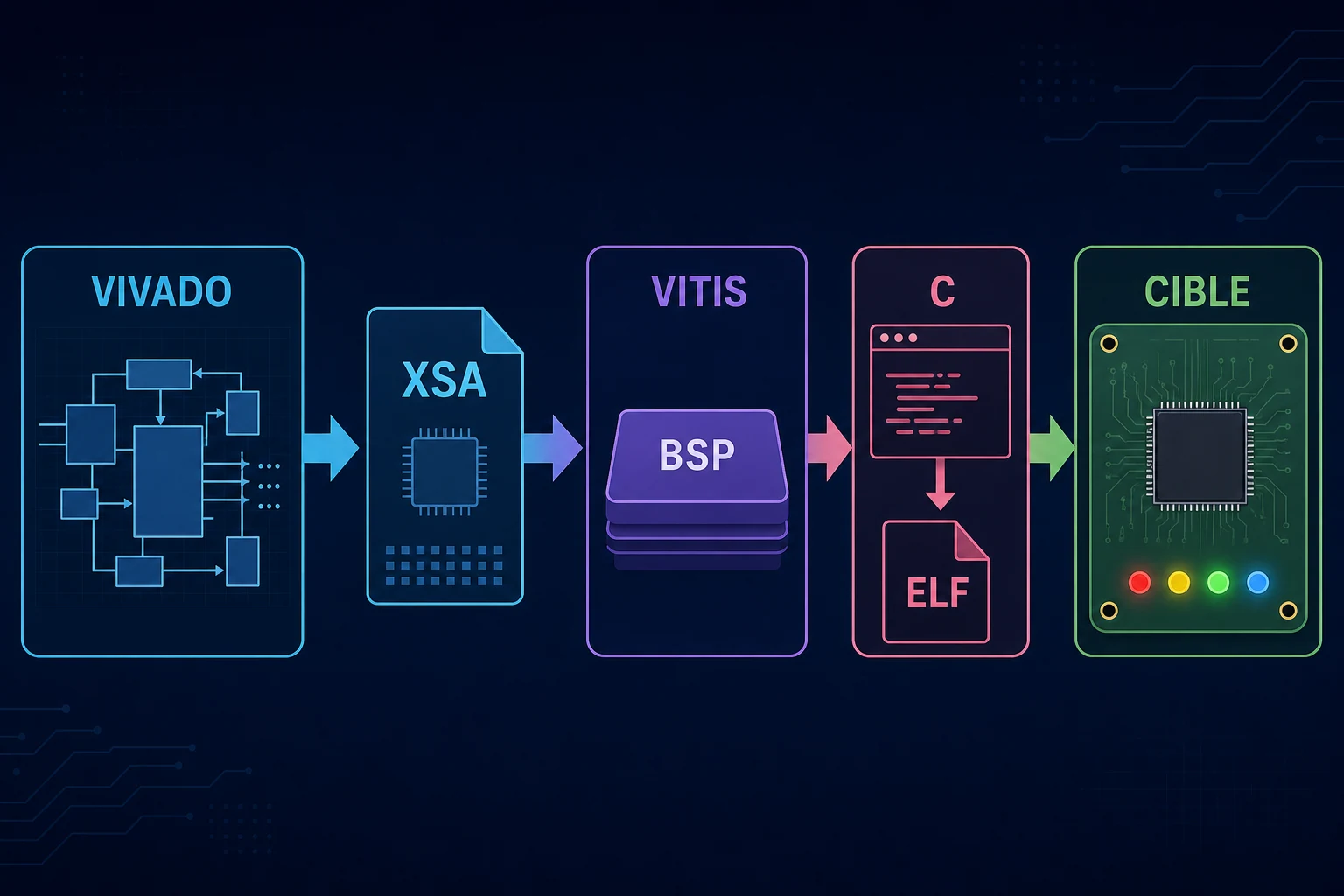
This chapter presents a complete flow. You create the project, run Tcl commands, add and configure IP, insert an HDL block, create hierarchy, mark debug nets, configure the PS, assign addresses and generate the final wrapper.
Create the project
Select the exact board or device. This choice controls the available resources, I/O banks and Processing System configuration.
A ZCU104 project uses a Zynq UltraScale+ MPSoC. A ZedBoard or ZC702 project uses Zynq-7000. Port names and parameters differ between these families.
A board file supplies useful presets. You must still verify the actual pinout, clocks and interfaces on the board.
Add and configure the Processing System
Add the PS block from the IP catalog. Vivado then offers block automation. When you run it, the tool applies a board preset and creates the basic connections.
The PS configuration includes the following items.
- DDR memory.
- UART, SPI, I2C, Ethernet and SD peripherals.
- MIO or EMIO assignments.
- Clocks sent to the PL.
- AXI ports between PS and PL.
- Interrupts coming from the PL.
Always review the preset. An enabled interface will not work if its pins or clock are wrong.
Add an AXI GPIO
To make the steps concrete, this course builds a small system with two AXI GPIO blocks. The first drives the board LEDs. The second reads the buttons. AXI GPIO has an AXI-Lite interface for registers and one or two GPIO channels for external signals.
The processor is the AXI-Lite transaction master. It reads and writes GPIO registers. AXI GPIO is the slave. Its PL outputs connect to LEDs and its inputs connect to buttons.
When you run connection automation, Vivado can insert the following required blocks.